 Leviter
About Leviter.
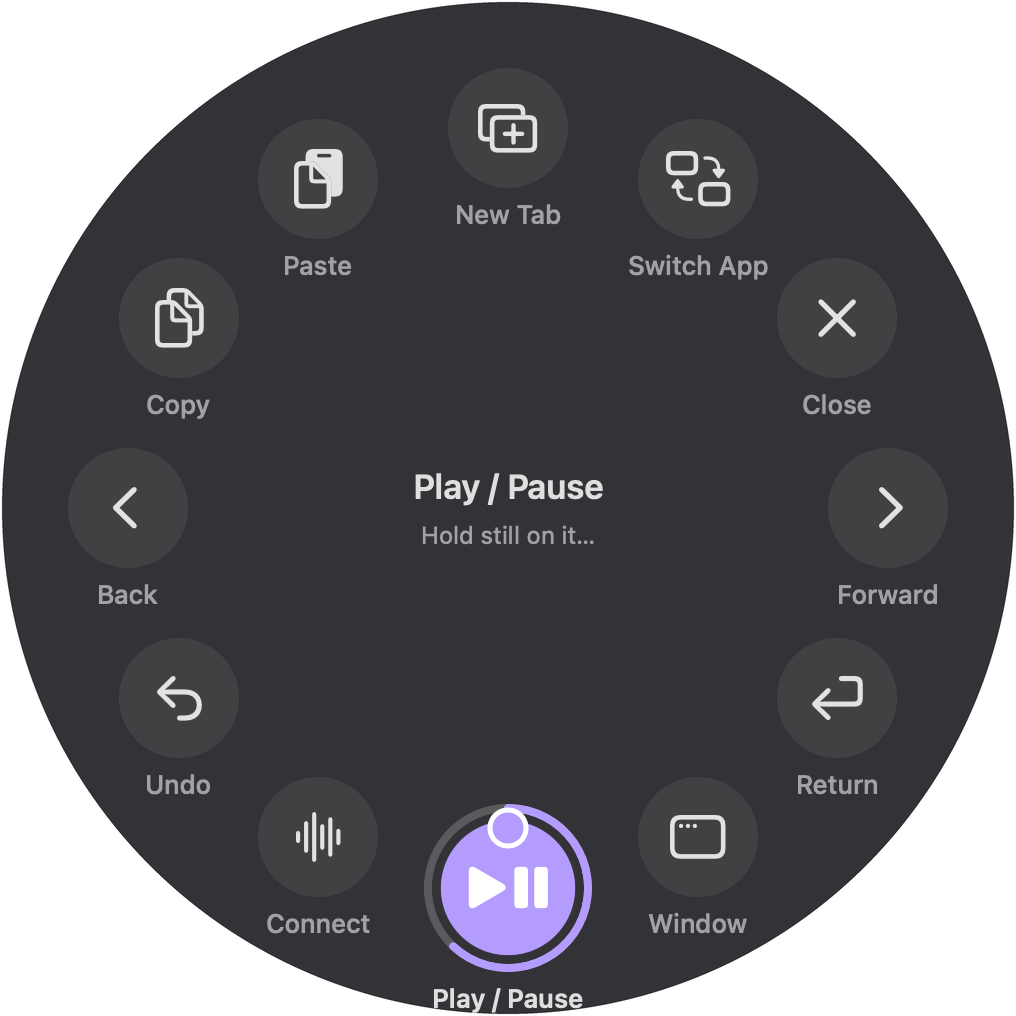
Leviter is hand and voice control for the Mac. Point to move the pointer, pinch to click, make a fist for a wheel of shortcuts, and speak to type or give commands. It uses the camera already on the Mac, and video and speech never leave it.
Leviter was built for people who would rather not, or can’t, hold a mouse or trackpad all day. Each move has a single job, nothing happens by surprise, and voice is a complete second way in. The name is Latin for “lightly”.
Facts.
| Name | Leviter |
|---|---|
| Platform | Mac with Apple silicon, macOS 26 or later |
| What it does | Pointer, clicks, dragging, scrolling, a shortcut wheel, voice commands and dictation |
| Privacy | Camera and speech are processed on the Mac. The app makes no network connections. |
| Availability | Coming soon. Price to be announced. |
Images.
The interface images are drawn by Leviter’s own code.


Contact.
Write to support@leviter.app with “Press” in the subject.